> For the complete documentation index, see [llms.txt](https://themedocs.zenit.design/llms.txt). Markdown versions of documentation pages are available by appending `.md` to page URLs; this page is available as [Markdown](https://themedocs.zenit.design/en/styling/components/backdrop.md).
# Backdrop
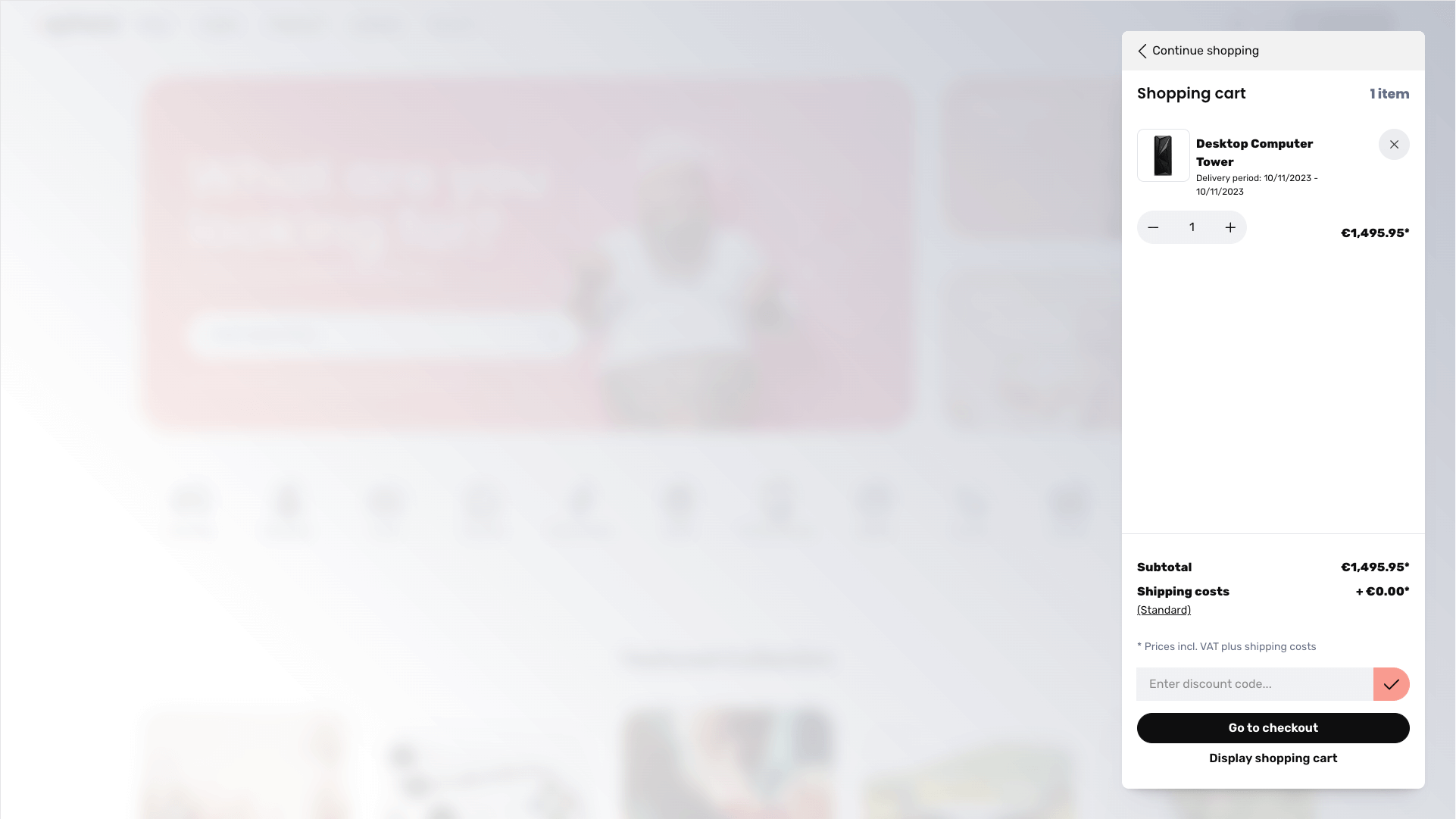
A backdrop is a semi-transparent layer that lies between an modal or offcanvas and the rest of the page when using a modal or offcanvas. It serves to focus the modal or offcanvas elements and prevents users from interacting with the background of the page at the same time.
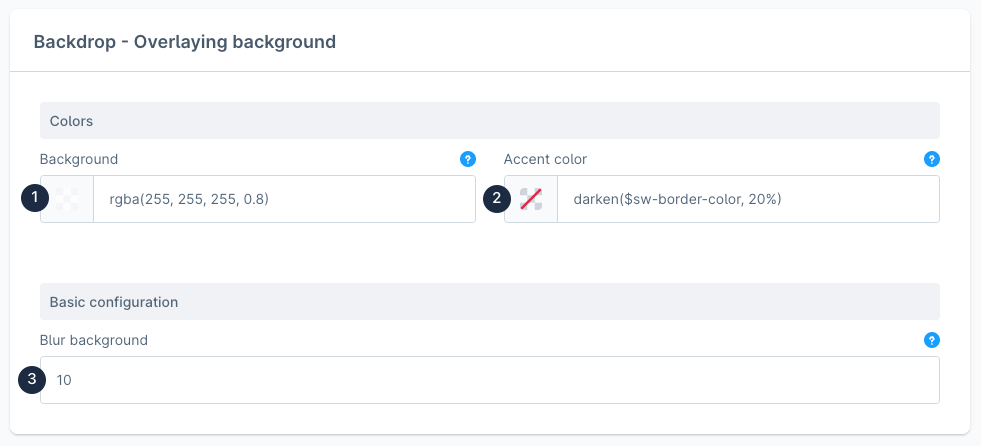
When selecting the color for the **Background (1)**, make sure to select a partially transparent color using the color picker. The shop in the background of the element should only fade - not disappear completely.
In addition, you can choose an optional **Accent color (2)**, which is mixed into the background color (1) using a color gradient.
The shop in the background of the popup or offcanvas can be blurred using the value in the **Blur background (3)** field. This further increases the focus on the foreground element.
**Example:**