> For the complete documentation index, see [llms.txt](https://themedocs.zenit.design/llms.txt). Markdown versions of documentation pages are available by appending `.md` to page URLs; this page is available as [Markdown](https://themedocs.zenit.design/en/styling/product/documents.md).
# Documents
The documents section is an evolution of the theme's datasheet feature. In addition to displaying embedded PDF files, documents can now be offered for download.
**A complete description of how to use the documents feature can be found at:**
{% content-ref url="/pages/-MVwmkVQlCrhm7VFYcj1" %}
[Documents](/en/content/details-page/documents.md)
{% endcontent-ref %}
## Basic configuration
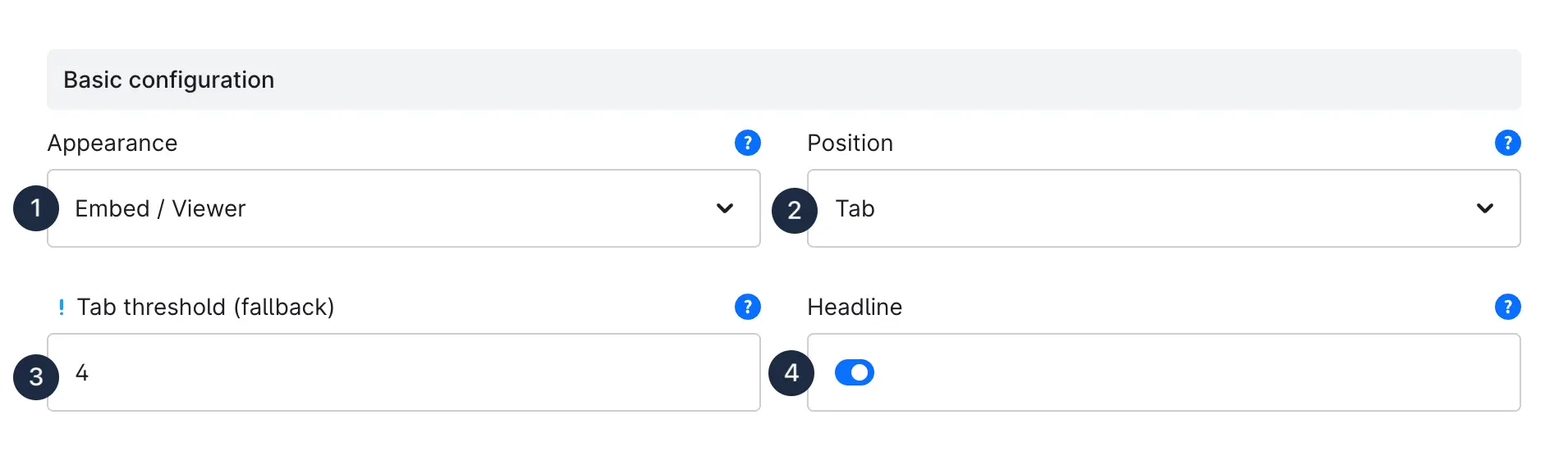
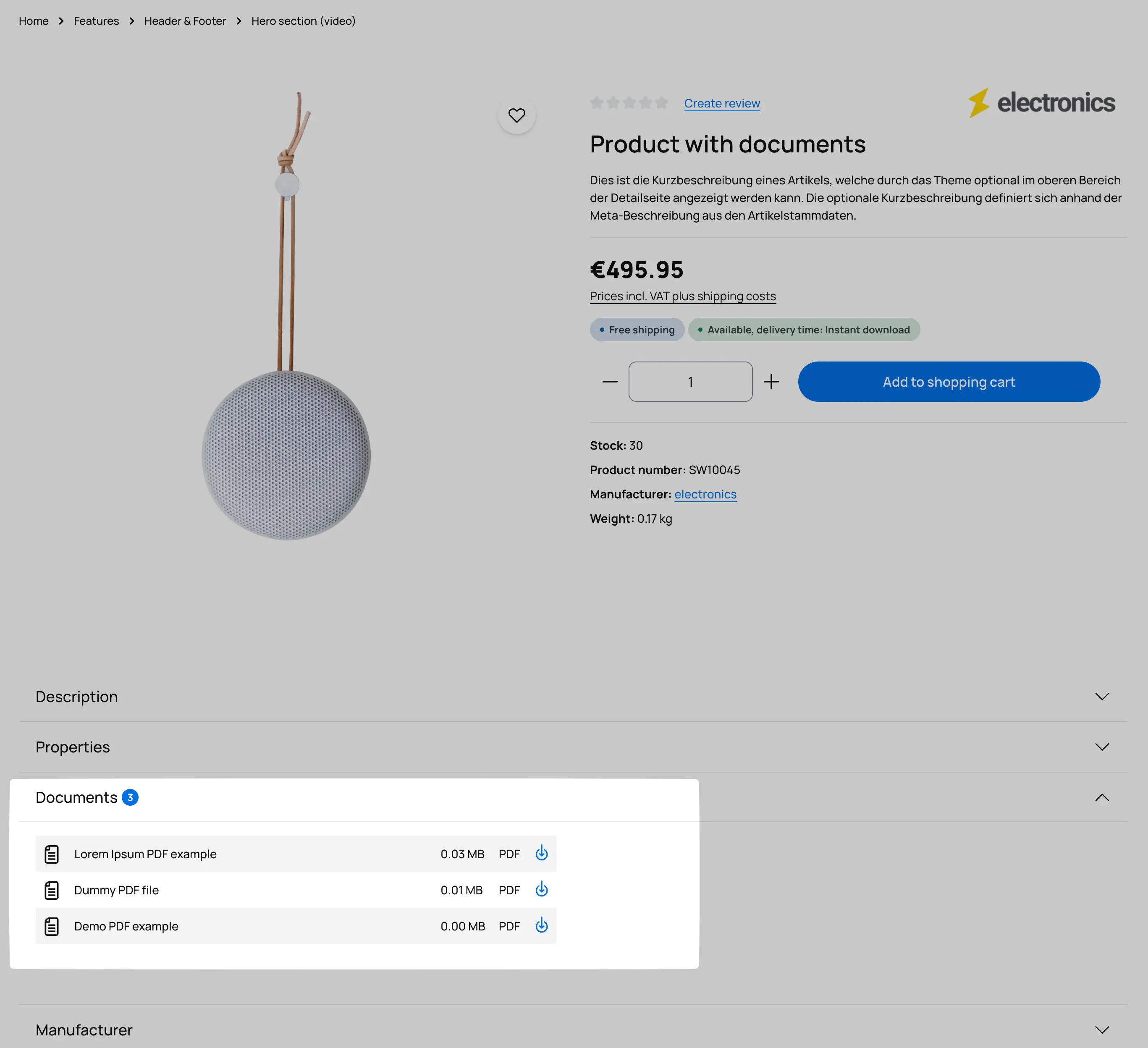
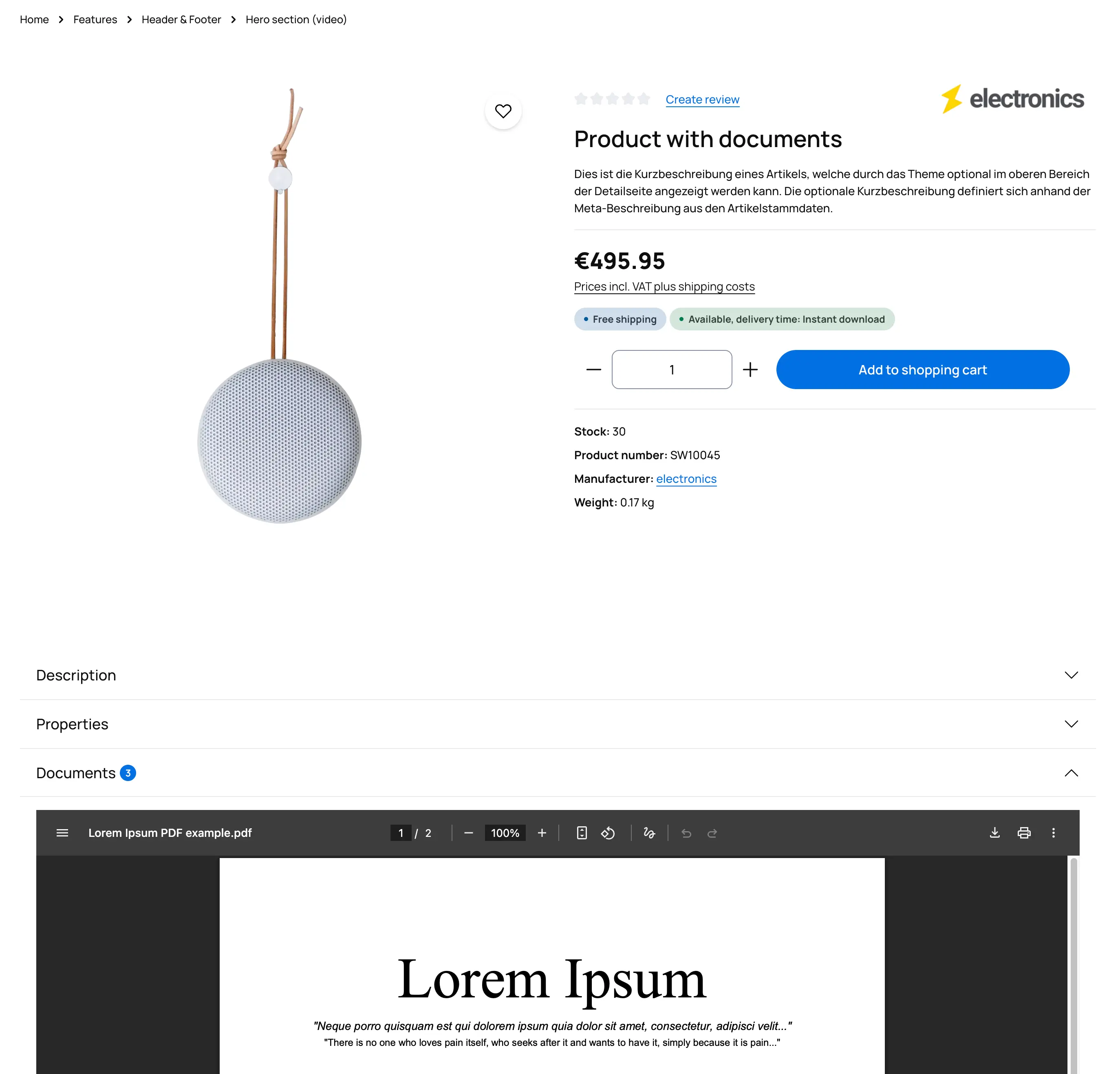
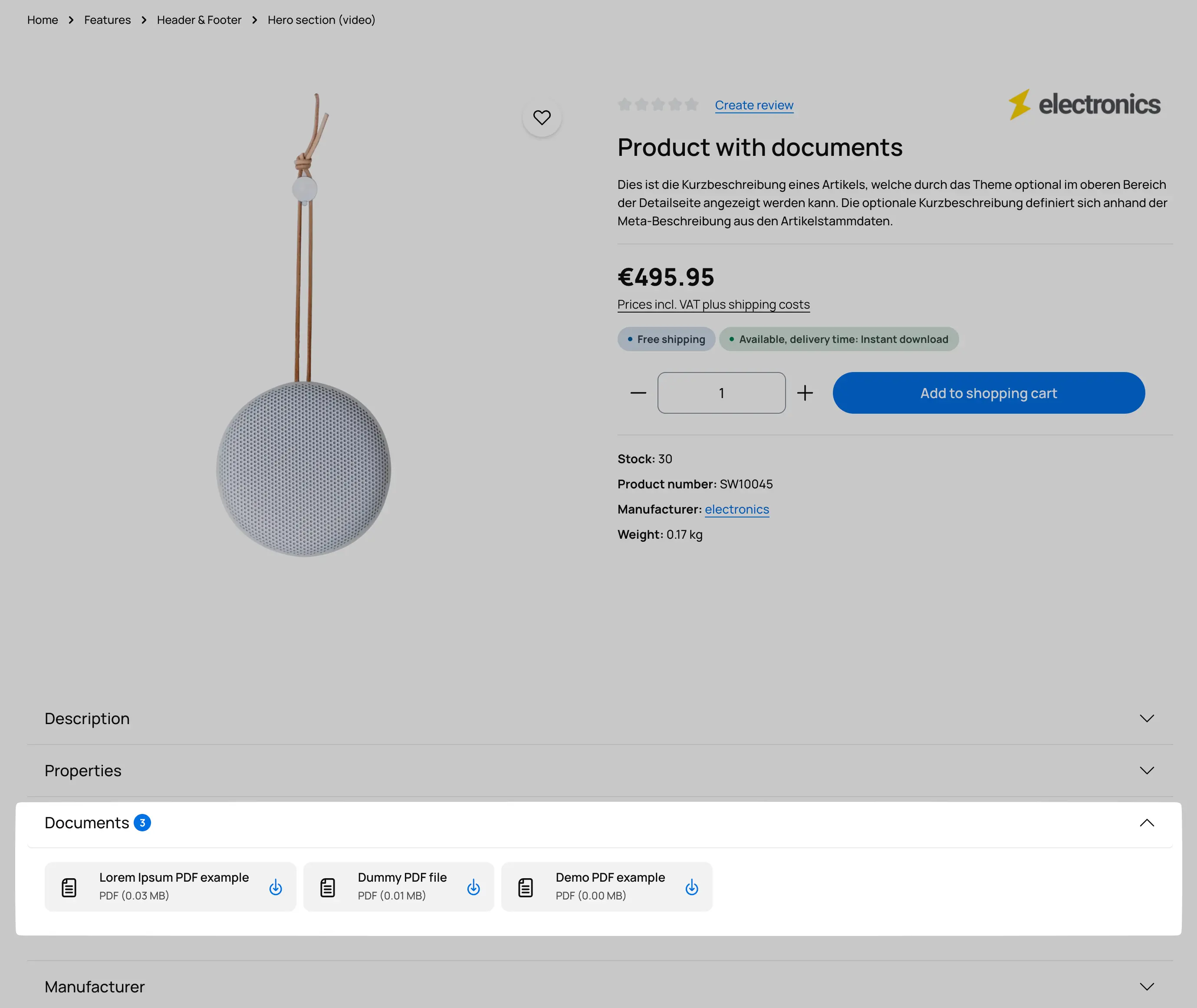
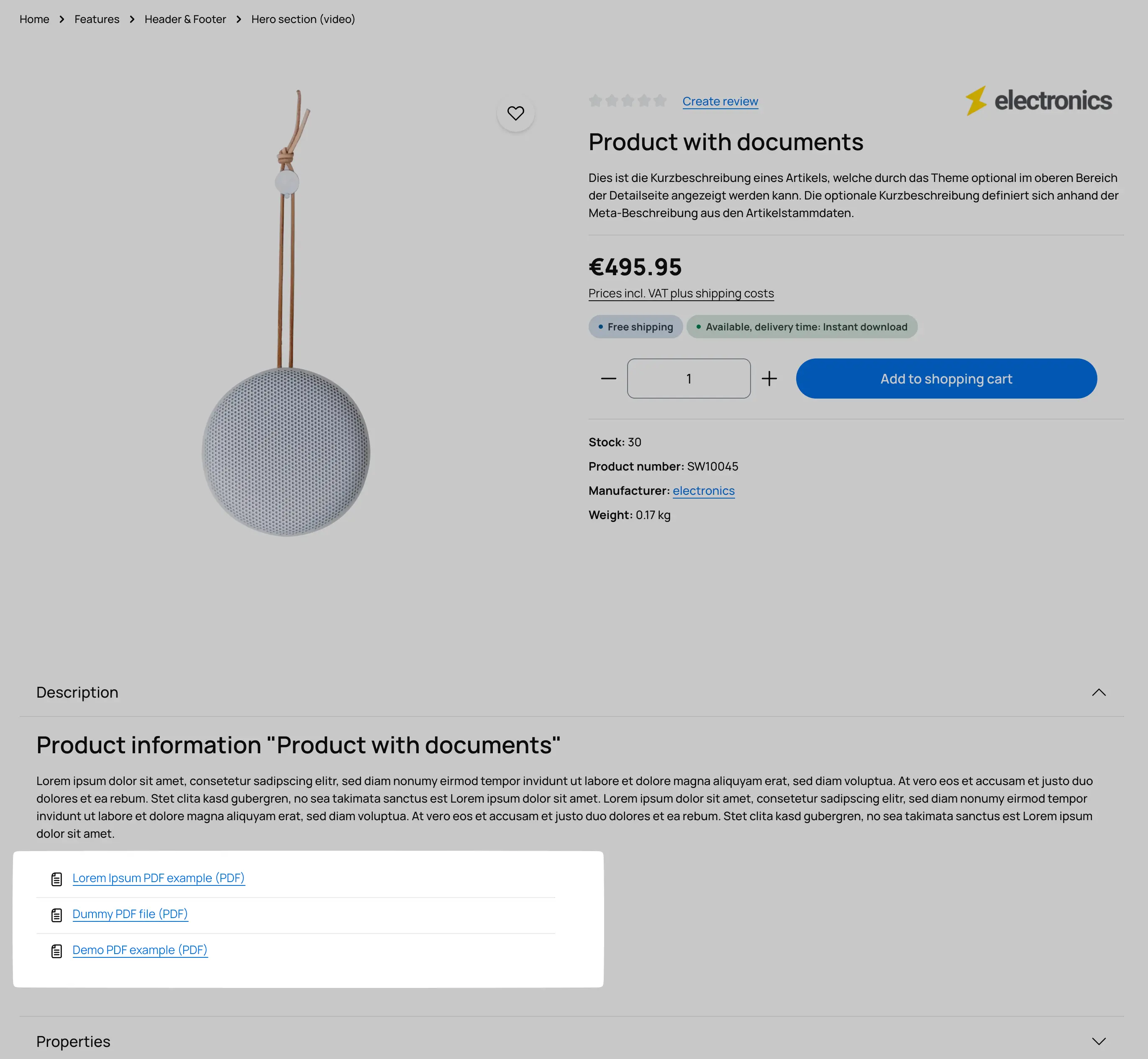
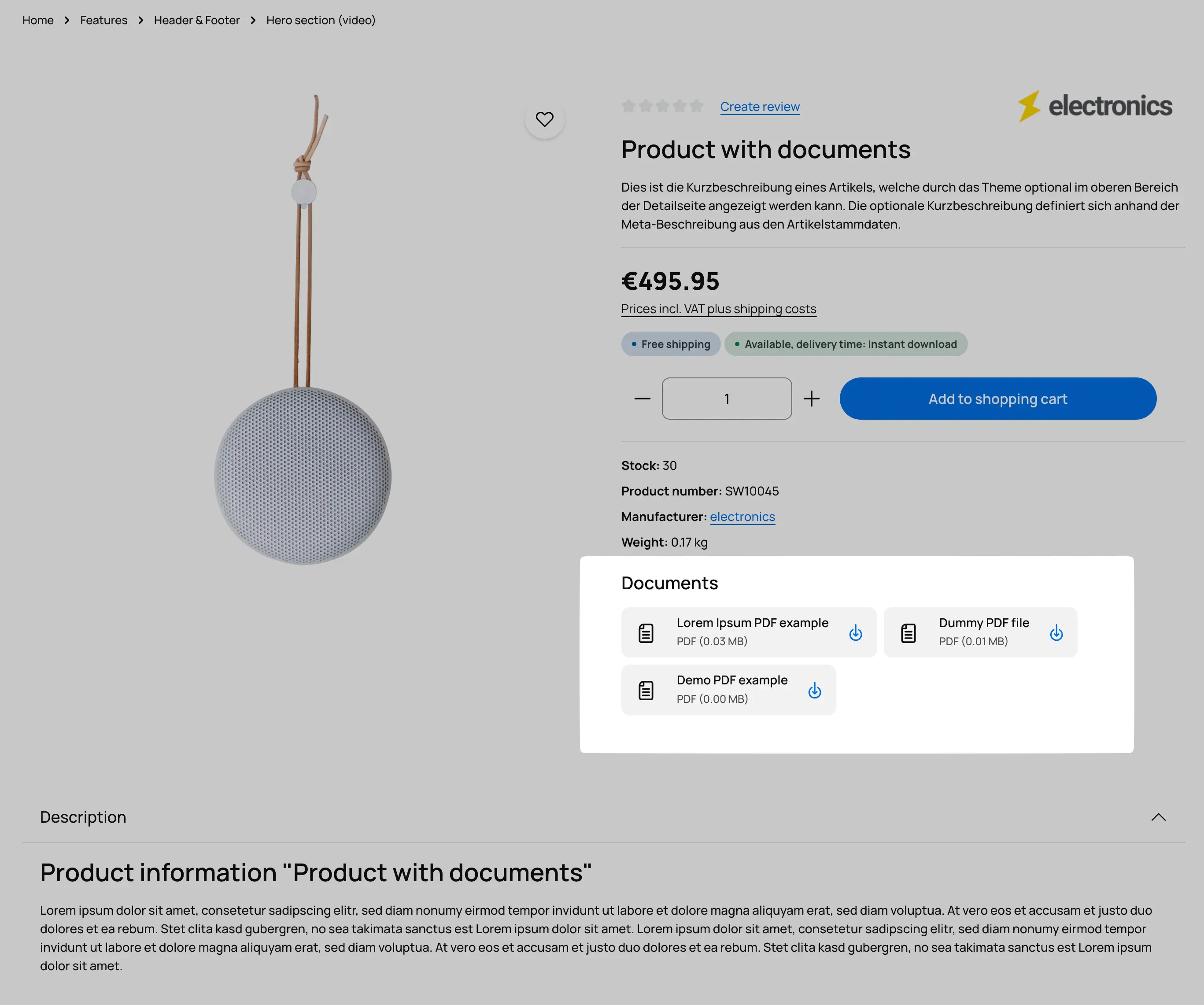
Regarding the **Appearance (1)**, you have the option to display the documents as `Embed/Viewer`, `Download buttons`, `Download list`, or `Download table`.
You can decide the **Position (2)**, whether the documents should be displayed in their own `Tab`, the `Buybox`, or the product `Description`.
If you choose to display in the buy box or description, you can define a **Tab threshold (3)** value, specifying the number of files after which you prefer the view to be displayed in its own tab.
*Example: If more than 4 files are displayed or available for download in the buy box, these files/documents will be moved to their own tab. This keeps the buy box or description clear and organized.*
Additionally, you can display a **Headline (4)** above the download area as desired. The corresponding text is stored in the text modules and can be customized there.
Examples: